
How to Access The Challenge
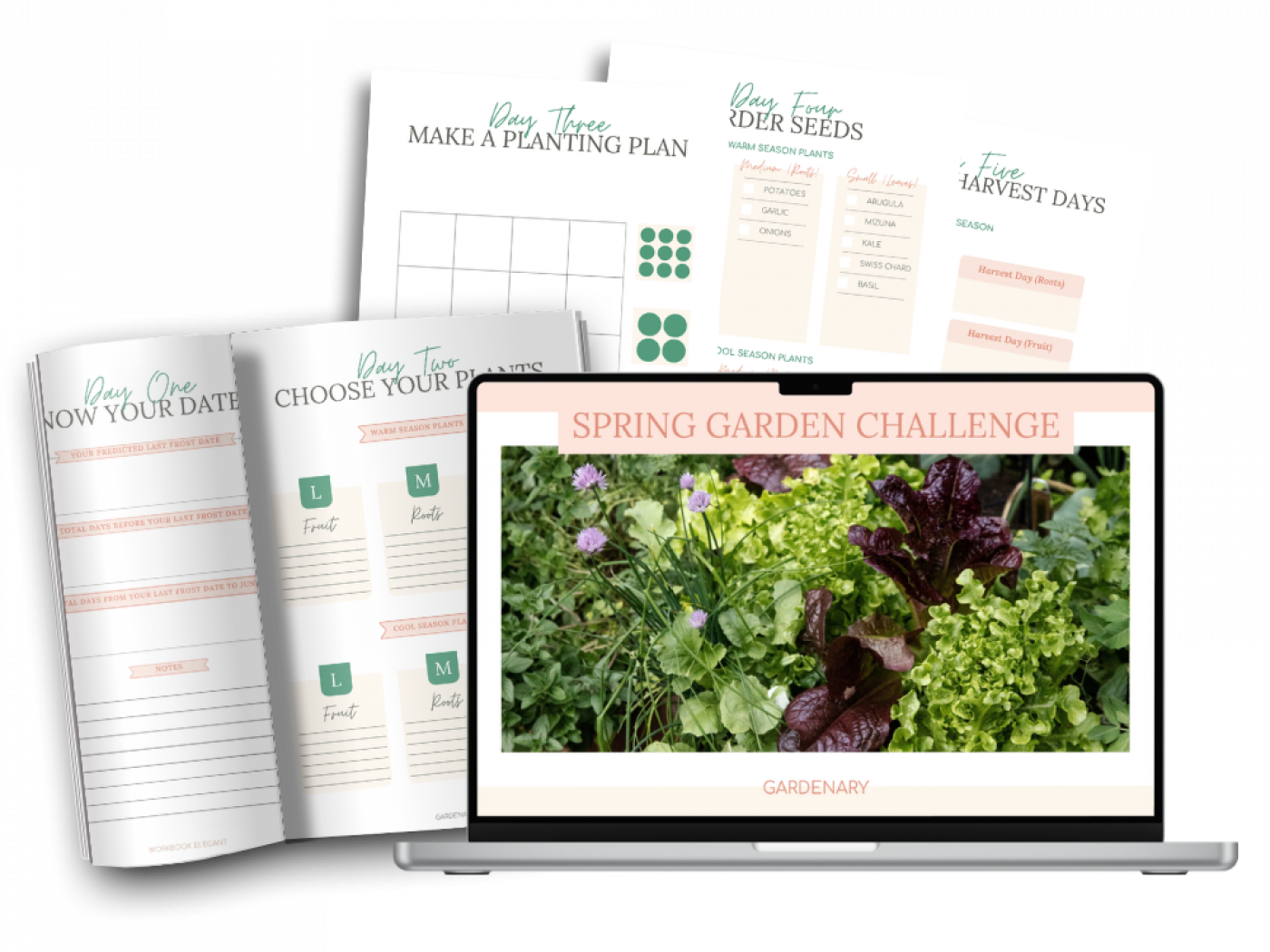
You now have access to the Spring Garden Challenge. Please follow the steps below to access it inside the Gardenary course library.
1. Log in To The Course Library
Please use the same email address you used to register for this course to log in to your course library here: https://www.gardenarymember.com/login
2. Create a New Password
If this is your first time logging in to your course library, then you can create a new password to access your courses here: https://www.gardenarymember.com/password/new
3. CHECK YOUR EMAIL
We will send a password recovery link to your email address within a few minutes.
4. WATCH THE 2026 GARDEN GAME PLAN WORKSHOP
Click below to learn how to create your 2026 garden layout, calendar, and strategy—so you’re ready to grow more food than ever.